- Your cart is empty
- Continue Shopping
How to Build a Silent PC: Best Components for a Quiet Setup
- Posted on
-
Posted by: thewebsitemakers
- 0 comments
- Categories: Blog

When it comes to creating the ultimate PC setup, silence is golden. Whether you’re working in a quiet office, streaming, or gaming late at night, a silent PC ensures you focus on what matters without distracting noise. At YMR OASIS, we offer a range of top-tier components designed to build a whisper-quiet PC without compromising performance. Here’s your guide to crafting a silent, high-performance rig.
Why Build a Silent PC?
A silent PC:
- Reduces distractions while working or gaming.
- Creates a more comfortable environment for long hours of use.
- Is essential for audio professionals and streamers to minimize background noise.
Components for a Quiet Setup
1. Silent Fans
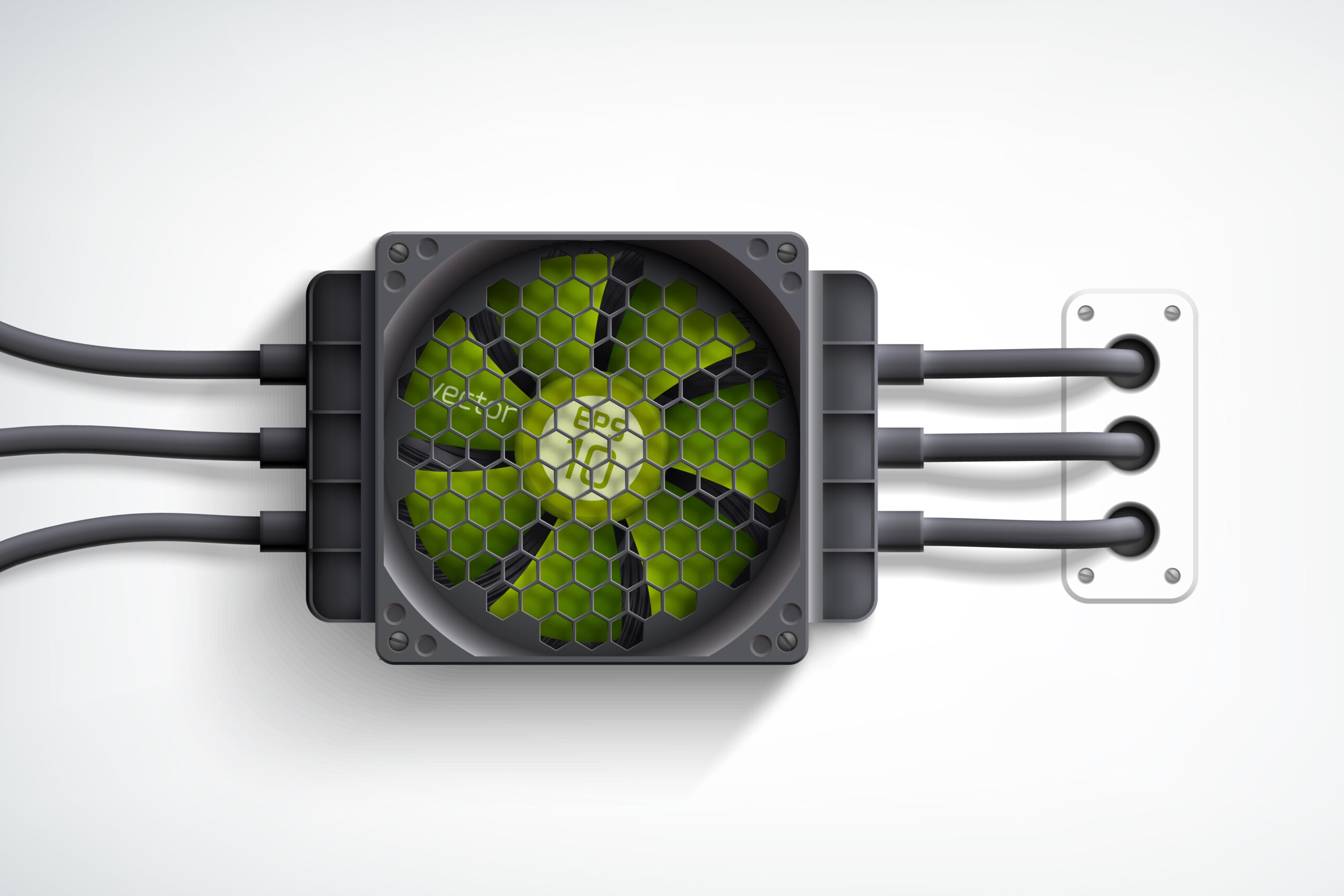
Efficient airflow is key to cooling, but noisy fans can be a problem. Opt for low-decibel fans with high static pressure for quiet operation.
- Recommended: Cooler Master Silencio FP120 and Noctua NF-A12 (available at YMR OASIS).
2. Noise-Dampening Cases
A good PC case with soundproofing materials can significantly reduce noise levels.
- Recommended: ANT ESPORTS ICE-511MT or Cooler Master Silencio S600 from YMR OASIS for sleek designs with noise insulation.
3. SSD for Silent Storage
Traditional hard drives generate noise during operation. Replace them with SSDs for silent and faster performance.
- Recommended: CRUCIAL P3 Plus NVMe SSDs, starting at 500GB, are perfect for noise-free storage.
4. Passive or Quiet Cooling Solutions
Traditional air coolers can be noisy. Opt for high-quality air coolers or liquid cooling solutions designed for silent performance.
- Recommended: Cooler Master Hyper 212 Spectrum V3 or Corsair Hydro Series for efficient and quiet cooling.
5. Power Supplies with Silent Modes
Look for PSUs with zero RPM fan modes that stay quiet under low loads.
- Recommended: Cooler Master MWE 450 V2 Bronze PSU from YMR OASIS for reliable, quiet power.
6. GPUs with Passive Cooling Options
For light tasks or low-noise gaming, choose GPUs with passive cooling or semi-passive fans.
- Recommended: GIGABYTE GTX 1650 WindForce OC 4GB, perfect for low-noise gaming and multitasking.
7. Noise-Dampening Accessories
- Add soundproofing foam to the case interiors.
- Use anti-vibration mounts for fans and drives.
Quick Tips for a Silent Build
- Avoid overcrowding the case to ensure better airflow.
- Use a motherboard with fan control features for silent operation.
- Regularly clean dust filters to maintain optimal cooling.
Shop Silent PC Components at YMR OASIS
Ready to build your silent dream PC? YMR OASIS offers all the components you need:
- Noise-dampening cases, silent fans, and efficient cooling systems.
- SSDs, quiet GPUs, and premium power supplies.